
3.9 KiB
Introduction
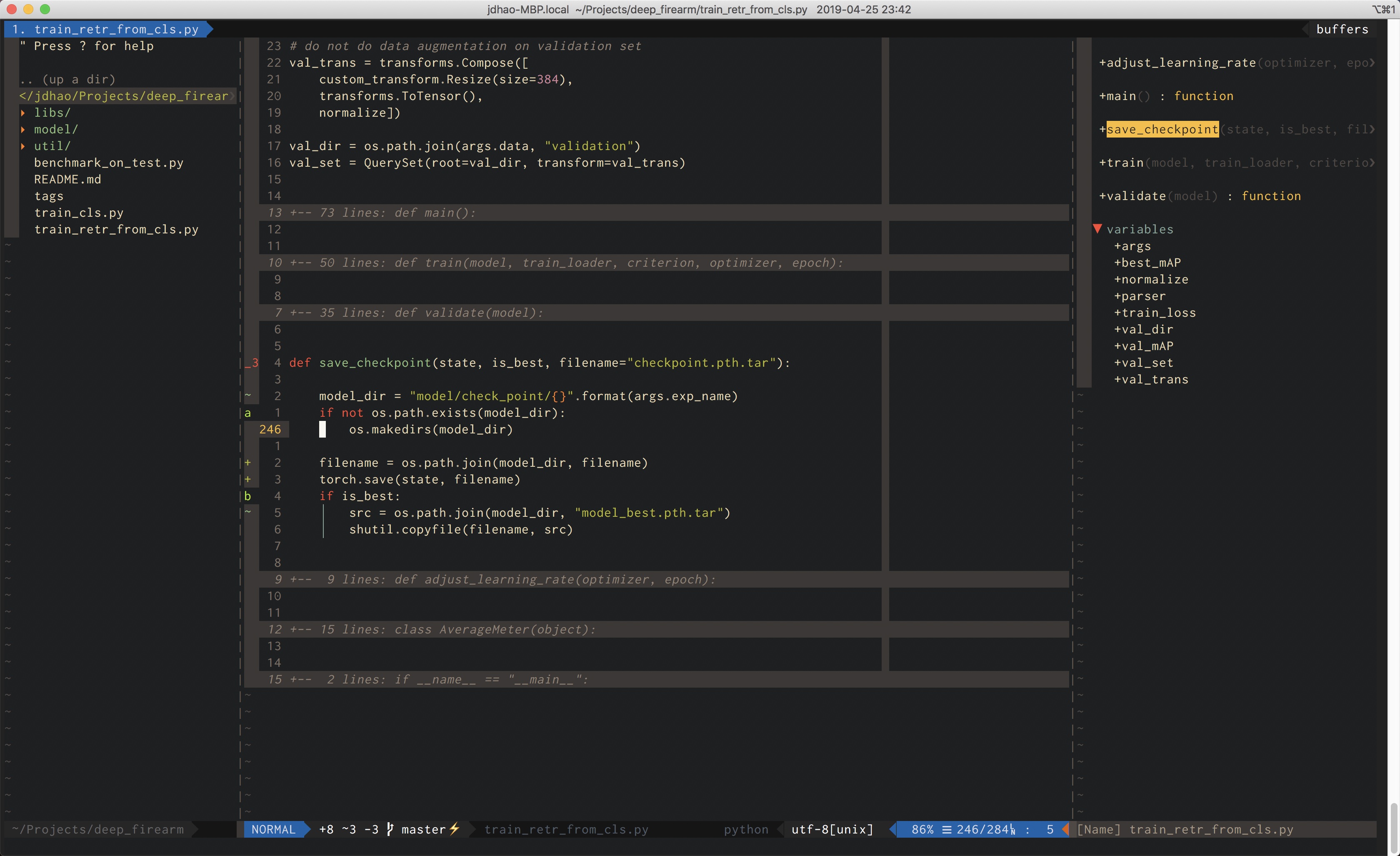
This is my Neovim configuration for all the platforms I use. init.vim is for
terminal Neovim and ginit.vim is for neovim-qt on Windows.
Install
Linux
Just follow the official guide and download the appimage from the release
page.
For some Linux system, you may not be able to run the appimage. You can directly download the tar ball from here and extract it.
Windows
First, install chocolatey. Then you can install neovim easily with
# install latest version of neovim
# choco install neovim --pre

choco install neovim
Or you can download the latest release from GitHub and extract it.
Mac
It is recommended to install neovim via Homebrew. Simply run the following command:
# if you want to install latest version of neovim
# brew install --HEAD neovim

brew install neovim
After Neovim installation, you may need to add the directory where the neovim
executable (nvim on Linux and Mac, nvim.exe on Windows) resides to your
PATH.
Make sure that you can call nvim from the command line.
Other tools to install
Python
Neovim supports both Python2 and Python 3. But python 3 is preferable. Neovim will automatically detect the Python version you use.
pynvim
Neovim relies on pynvim to communiate with plugins which uses its Python binding.
Git
Git is used by plugin managers to download plugins from Github or other Git repositories.
Since Git is usually pre-installed on Linux and Mac, you do not need to worry
if you are using these two platforms. For Windows, install Git for
Windows and make sure you can call git
from command line.
ctags
In order to tags related plugins such as tagbar and gutentags, you need to a ctags distribution. Universal ctags is prefered.
To insall ctags on Mac, use Homebrew. To install it Windows, use chocolatey:
choco install universal-ctags
To install it on Linux, you need to build it yourself. See
here.
Set its PATH properly and make sure you can call ctags from command line.
Ripgrep
Ripgrep is fast grep tool available for both Linux, Windows and Mac. It is used several greping plugins for Vim.
For Windows and Mac, you can install via chocolatey and homebrew. For Linux, you can download from the release page and install it.
linters
Based on your programming languages, you may need to install various linters.
- Python: pylint and flake8.
- Vim script: vint (You may need to install the pre-release versions because of this issue).
For other linters, please consult the linting plugin documentation. For Neomake (which is the lint plugin I use), a list of makers (i.e., linters) for different languages is listed here.
settings
Where to put the configuration file
On Windows, put it under $HOME/AppData/Local/nvim1. On Linux and Mac, put
it under ~/.config/nvim.
Make deoplete work
To make deoplete work, you have to set the correct value for
g:python3_host_prog. You should set it to the full path to your Python3
executable. Find this setting in this init.vim and change it in accordance
with your system.
-
Use
echo %userprofile%to see where your$HOMEis. ↩︎